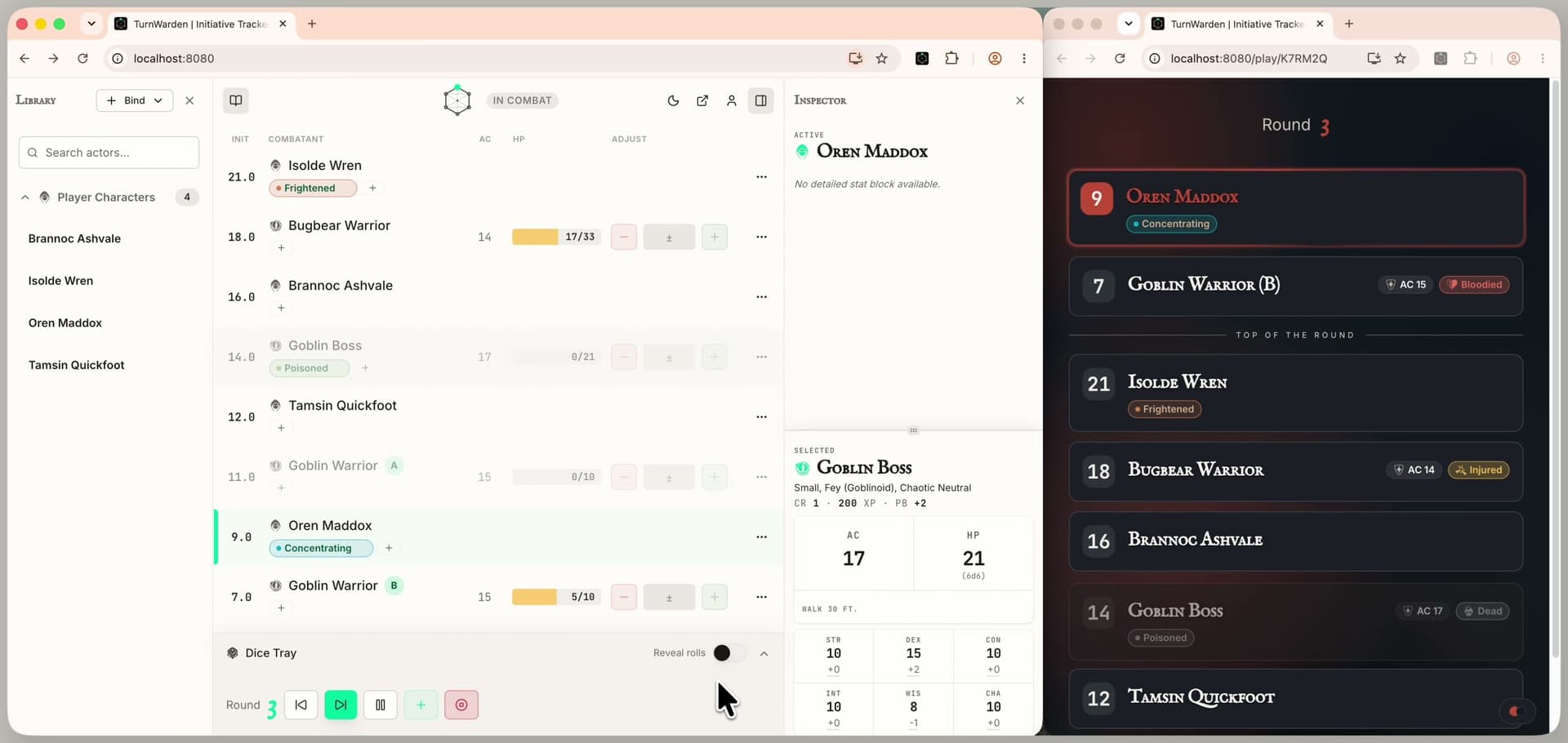
Five tools for running the combat round.
Five tools built around the moments that pull your attention away from the table.
THE PLAYER VIEW
A separate screen for your players.
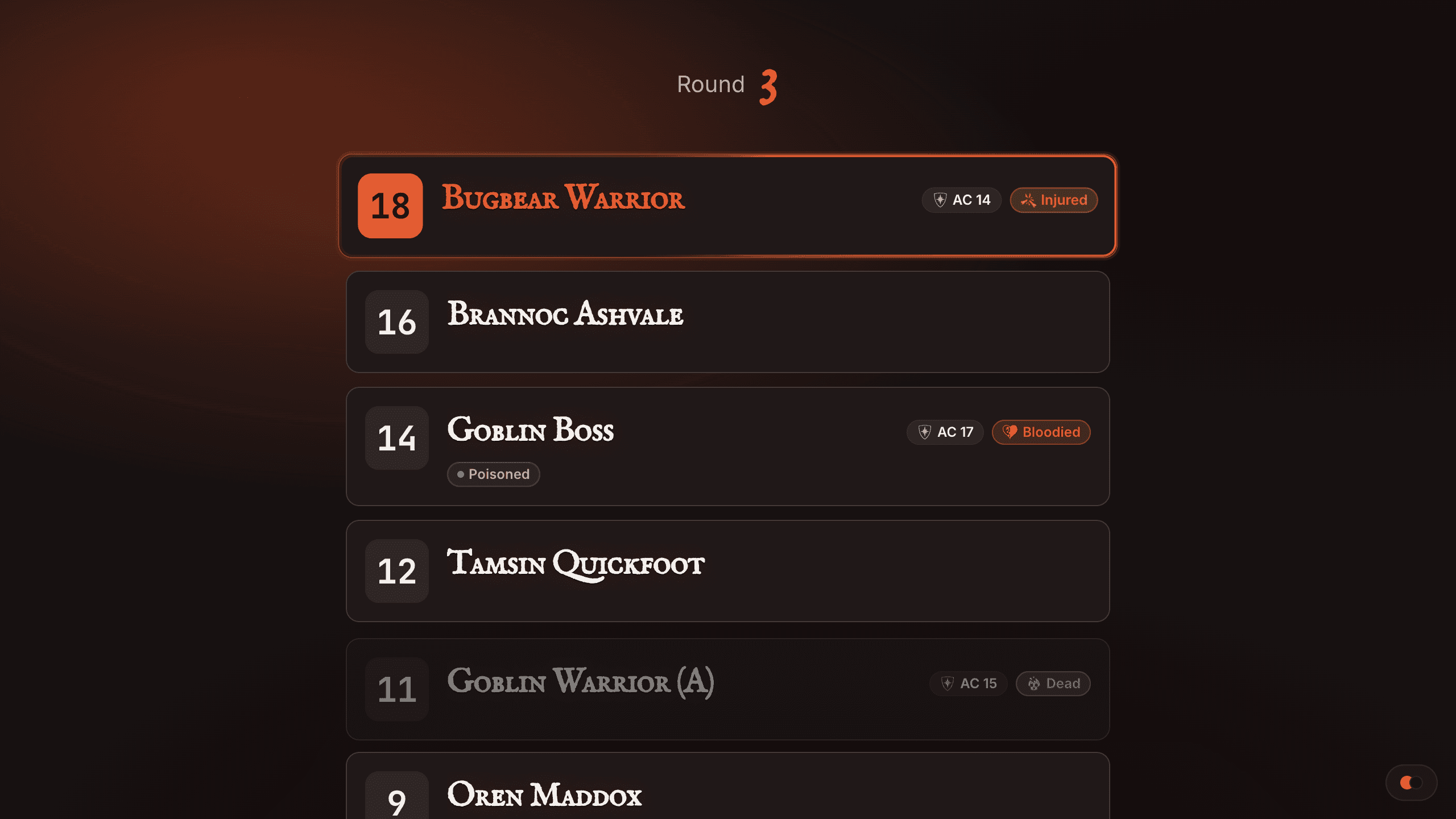
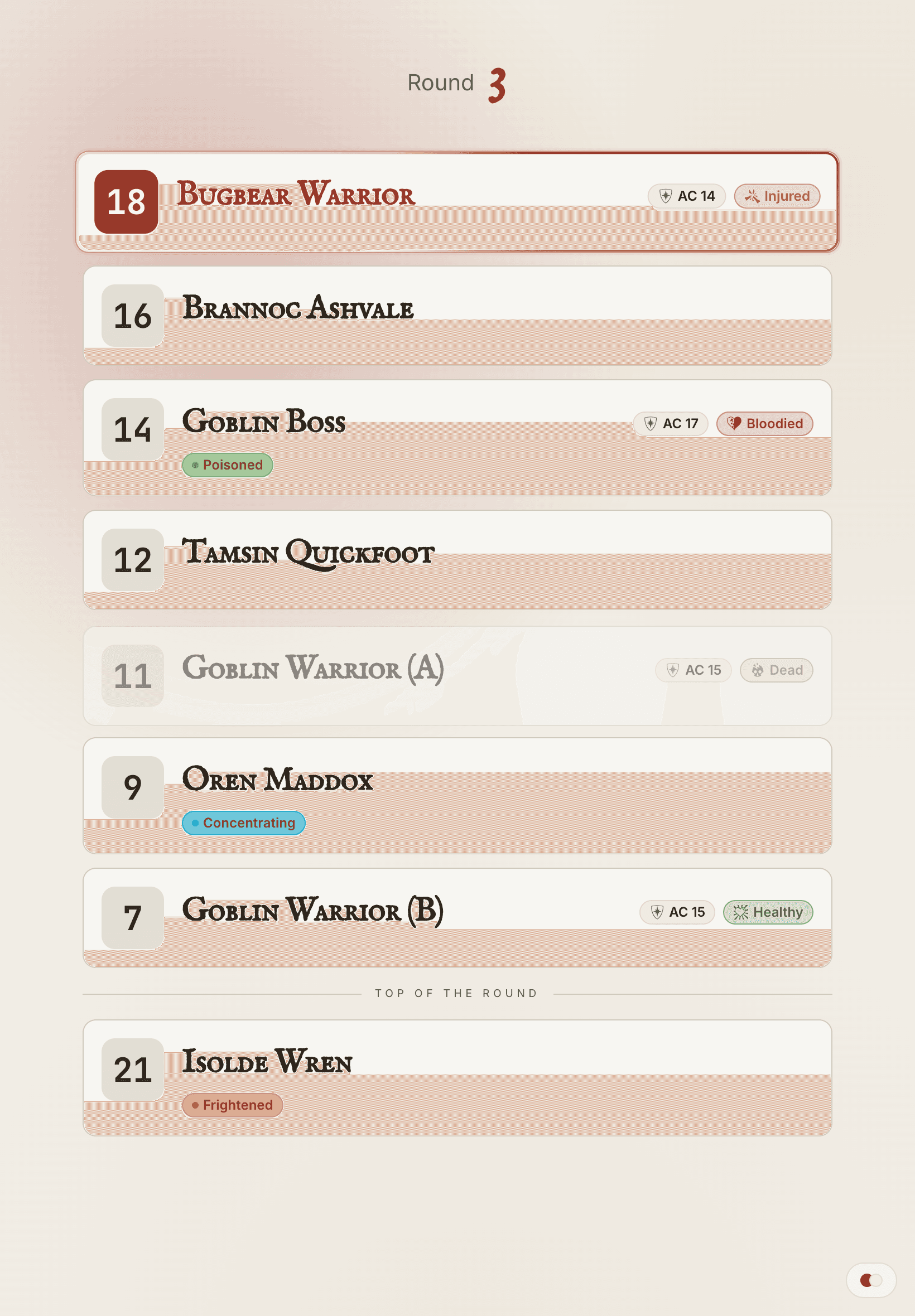
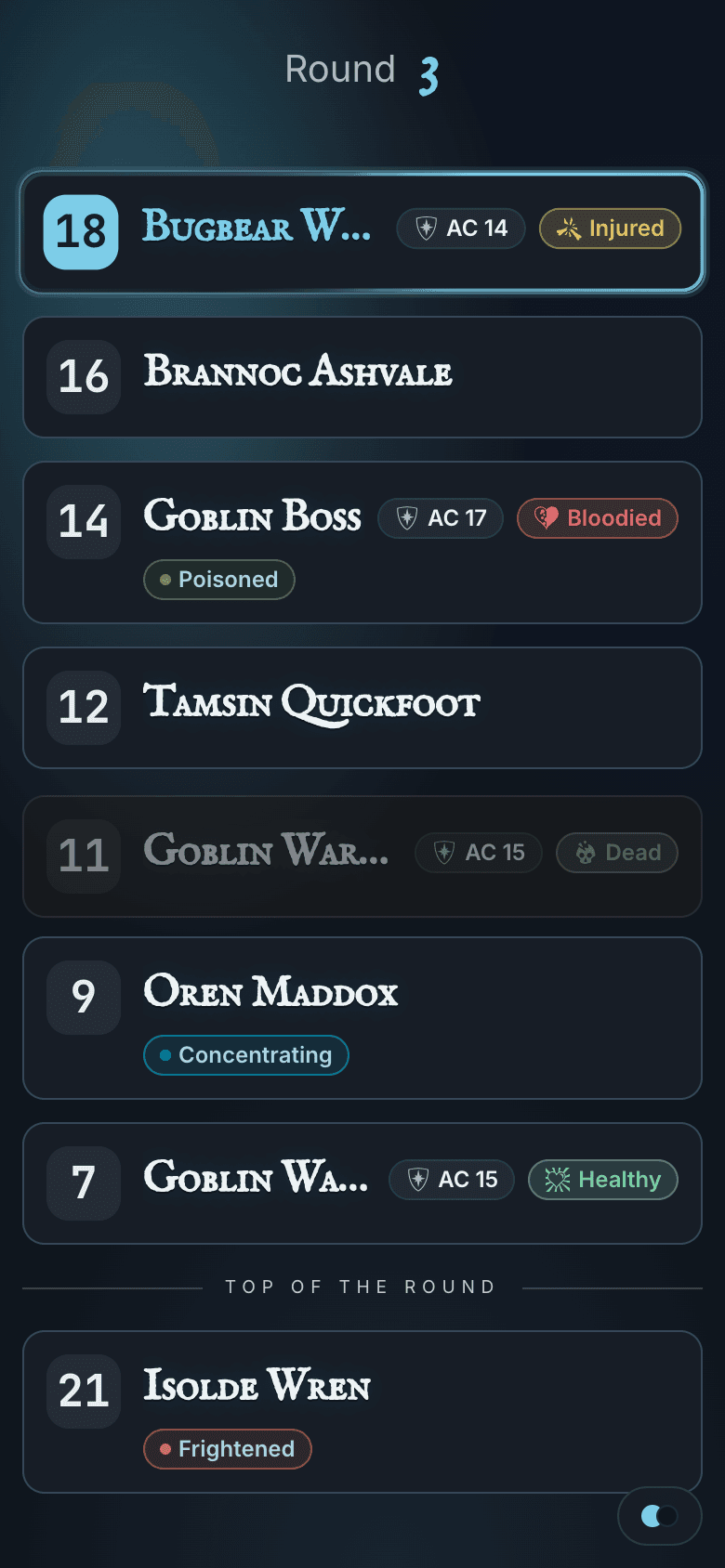
Open the player-view URL on a TV, a tablet, or a phone at the other end of the table. The table watches the Round live: initiative order, whose turn it is, conditions, and how each Monster is holding up, from Healthy to Dead, never its exact HP. Each screen picks its own theme. Your DM controls stay on your screen, untouched.
THE TRACKER
The round is in front of you — initiative, HP, and conditions in one place.
The tracker holds the initiative order and active conditions for each Combatant, and current and maximum HP for each Monster and Custom Combatant. Advance the round and the tracker moves with you.


THE DICE TRAY
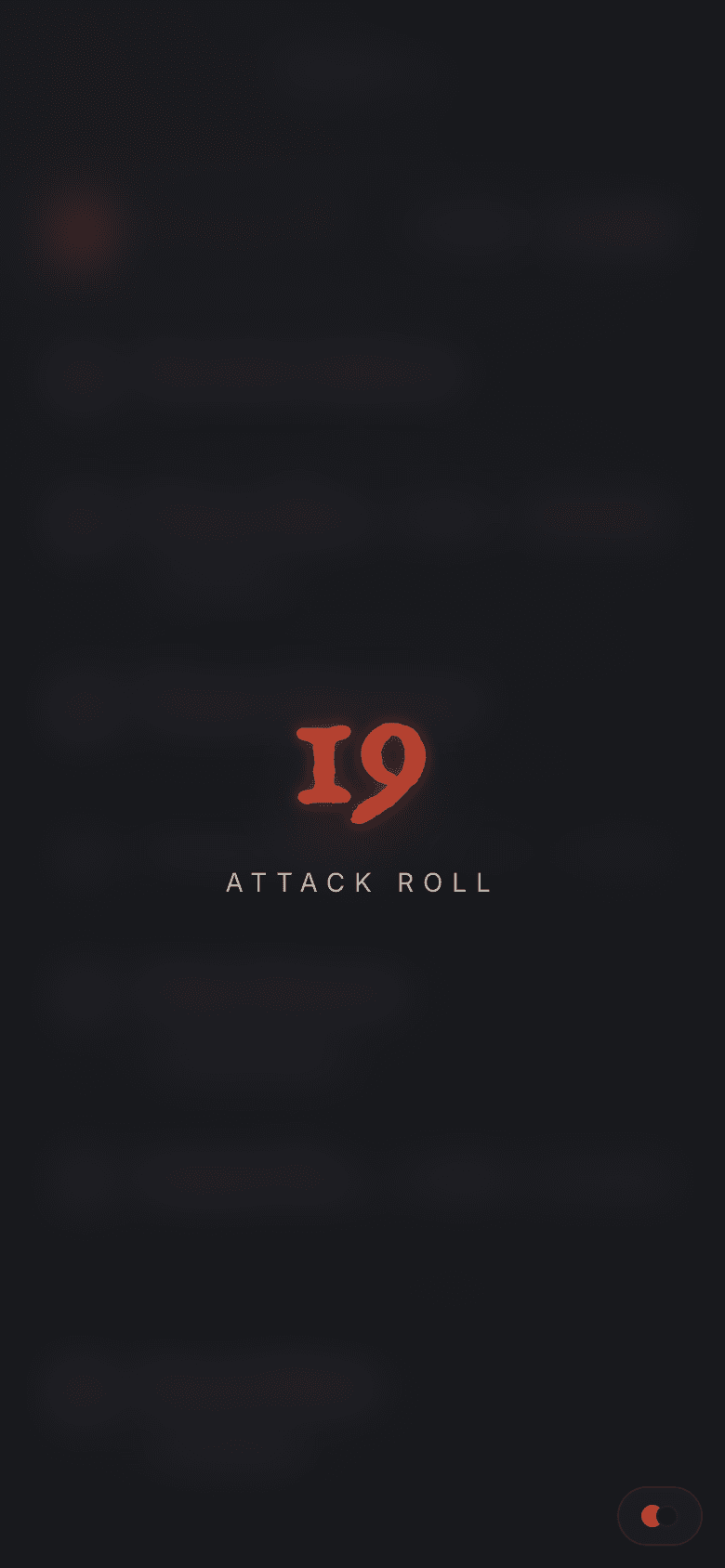
Roll the dice. Reveal the result when the moment is right.
The Dice Tray rolls on your side of the screen and rolls stay private by default. Switch on Reveal rolls and each roll lands in the Player View in front of the table. Players see the total after a short pause.

IMPORTING
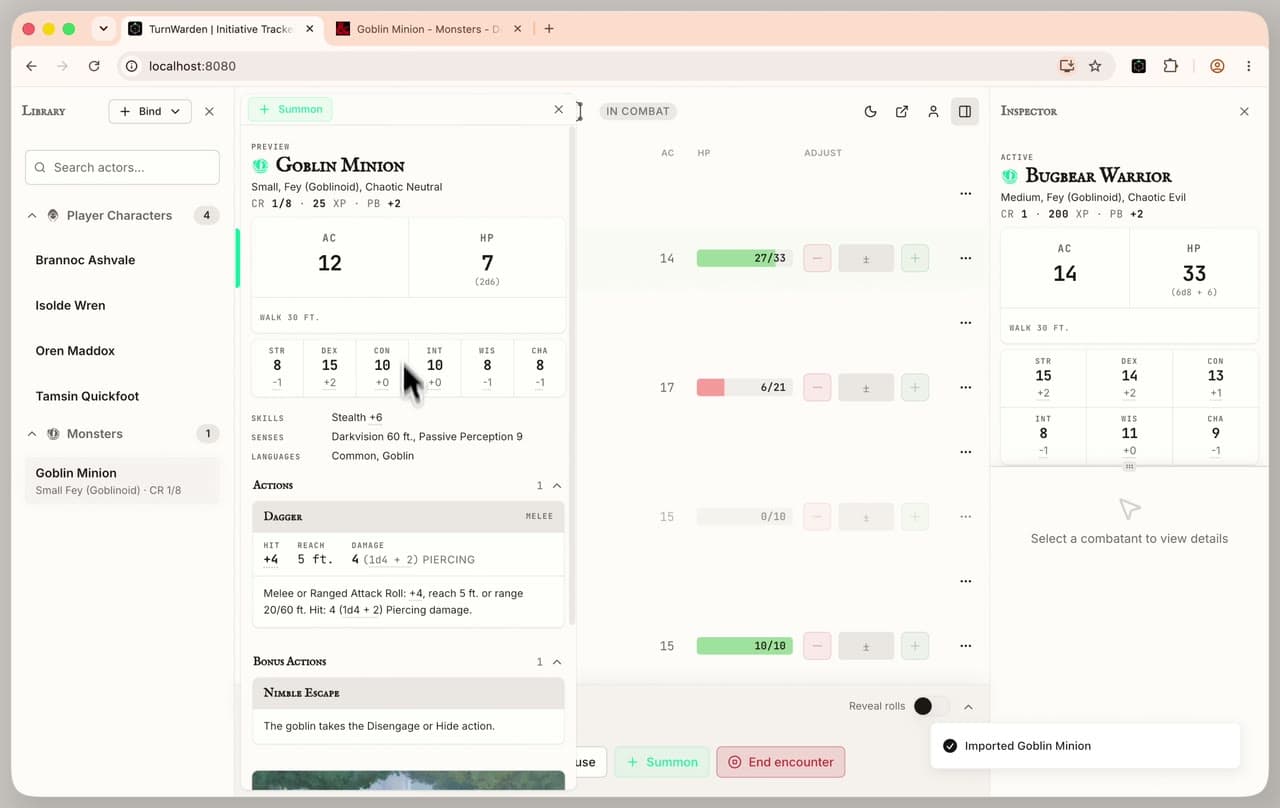
Copy a Monster from D&D Beyond. Paste it into your Library.
Install the TurnWarden Extension, open any monster page on D&D Beyond, and copy its Stat Block in one click. Paste it into TurnWarden and the Monster lands in your Library, ready to summon into any encounter. Nothing to type out by hand, so nothing to mistype. A Monster goes from the D&D Beyond page to your Library in under a minute.
LIVE SYNC
The DM advances. The table sees it.
Advance a turn on the tracker and the Player View updates within a moment. HP, conditions, and whose turn it is stay in sync on each screen watching the round, with no refresh and no reading the state aloud.